Phone numbers
Phone numbers are how your agents reach the world: an outbound campaign needs a number to call from, and an inbound agent needs a number for people to call. This is where you see the numbers your organization owns, request new ones, and choose a calling plan. Voice Portal handles the underlying telephony, so you work with numbers, not carrier infrastructure.
Open Phone (/phone).
How numbers are used
A number is the bridge between your agents and the phone network, and it works in two directions:
- Inbound — people dial your number and an agent answers. Each inbound agent needs a number assigned to it so callers have something to ring.
- Outbound — your agent places calls and your number appears as the caller ID. Campaigns and the bulk-call action in Contacts dial from a number you own.
You request numbers here, then point your agents at them on the agent's Calling & telephony tab.
My Numbers
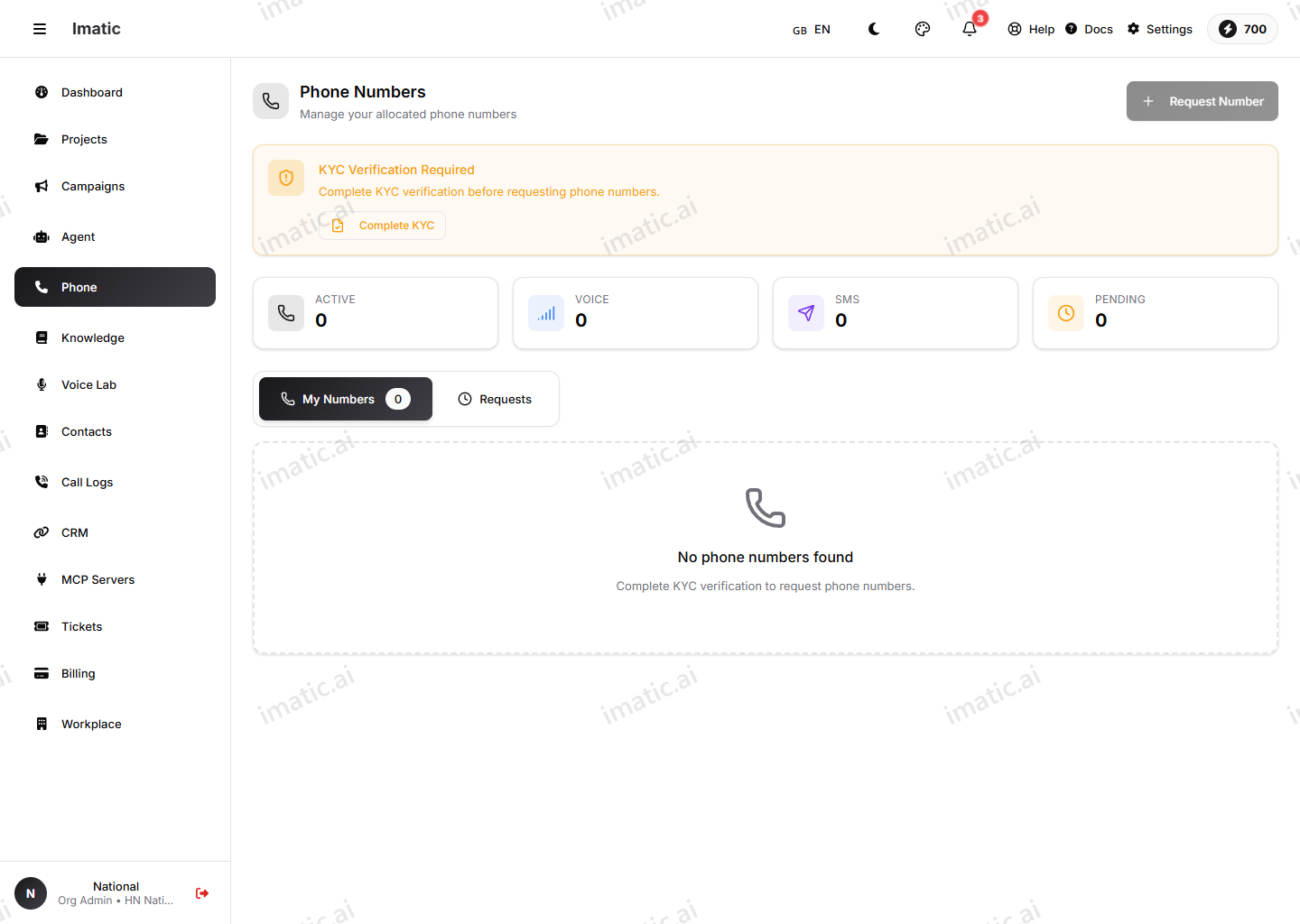
My Numbers (/phone) lists the phone numbers your organization owns — each row shows the number, its country, type, capabilities, status and what it's allocated to. A second Requests tab tracks the numbers you've asked for and where each request stands. This view is for seeing your inventory; you attach a number to an agent on the agent itself (see Assign a number to an agent below).
Request a number
Getting a number is request-based, not a self-service purchase. First, your organization's KYC verification must be approved — until it is, a banner here blocks requests. Then:
- Click Request Number and fill in the request — country, number type, quantity, the purpose (why you need it), and urgency.
- Submit it. imatic's platform administrators review and fulfil the request; you can follow its status (pending, approved, fulfilled, and so on) on the Requests tab.
The Buy phone screen (/phone/buy-phone) is where you choose the kind of number you want — an Indian mobile number (which requires Aadhaar verification) or an International number (provisioned through Twilio). Indian numbers continue into a short verification step.
Choose a number local to the people you're calling. Familiar local numbers are answered more often than unknown or out-of-region ones, which lifts your campaign answer rates before the agent even says a word.
Assign a number to an agent
Owning a number isn't enough on its own — it has to be attached to the agent that should use it:
- For inbound, assign the number to the agent you want answering it. When that number rings, that agent picks up.
- For outbound, the number is used as the caller ID for the calls an agent or campaign places.
You set inbound and outbound behavior on the agent itself; see Calling & telephony.
Plans
Calling runs on a plan. The Subscription view (/phone/subscription) is a catalogue of plans you can compare and choose — each tier lists the minutes included and a monthly or yearly price, with a free tier to start. Pick the plan that matches your calling volume; what you actually use is reflected in Billing.
Keep an active plan, and your numbers in place, for as long as agents or campaigns rely on them. An inbound agent can only answer while its number is live.
Number inventory and number requests are fulfilled by the imatic team, not from your organization's screens. If a number you need isn't available, that's where it's provisioned.