Sign in as an organization
Voice Portal accounts belong to organizations. The first person to sign up creates the organization and becomes its administrator; everyone else joins by invitation. This page covers how to create an account, accept an invite, sign in, and how roles and projects decide what each person can do.
Create an organization (sign up)
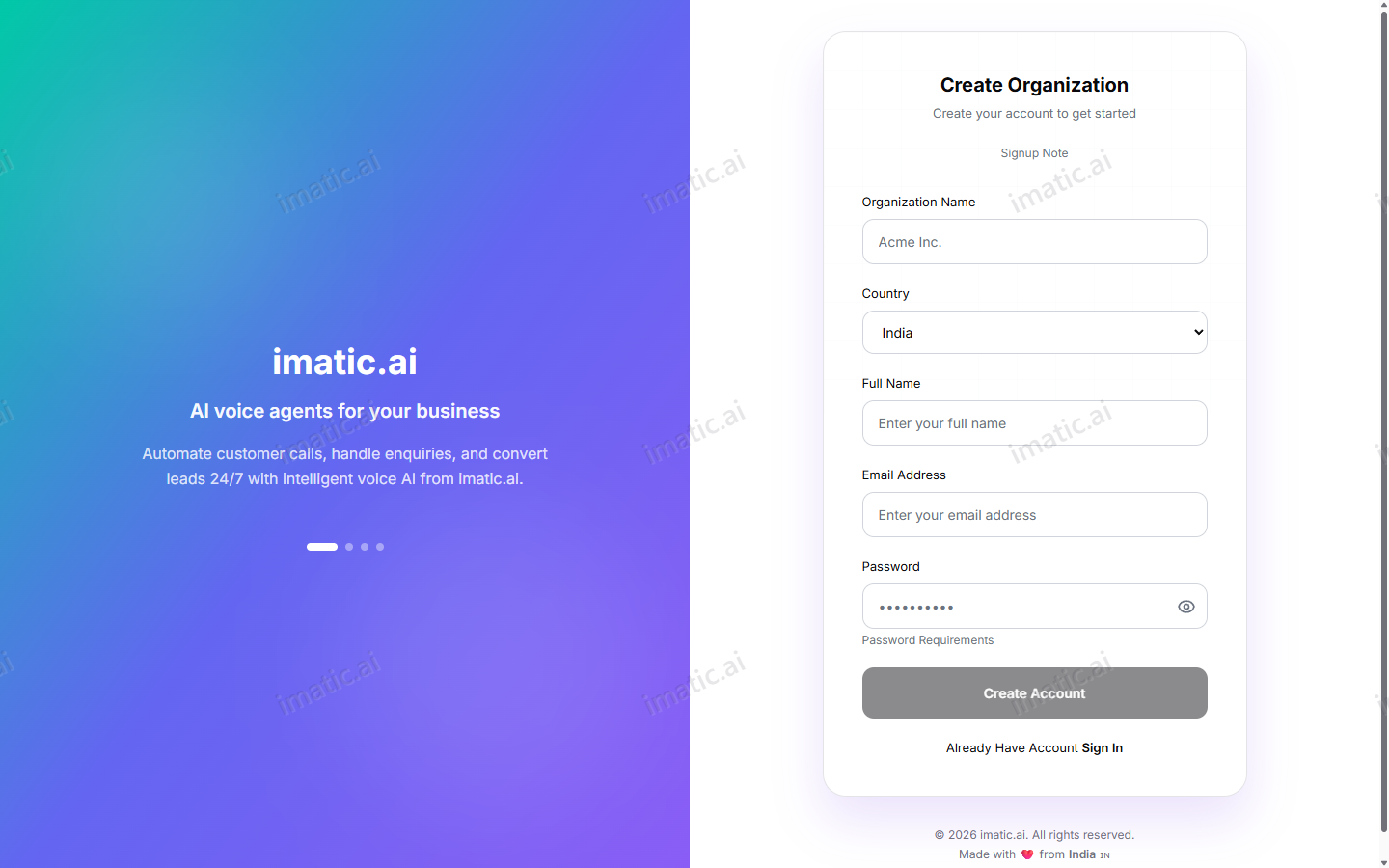
Signing up does two things at once: it creates a new organization and makes you its owner.
Steps
- Go to /signup.
- Enter your organization name and country, then your full name, email and a password.
- Select Create Account.
The Portal creates the organization and makes you the organization admin. From here you own billing, team members, compliance settings and every project in the organization.
Only sign up if you are starting a brand-new organization. If your company already has a Voice Portal account, ask an admin to invite you instead — that keeps everyone in the same workspace.
Join by invitation (accept an invite)
When an organization admin or project manager invites you, you receive an invitation link containing a one-time token.
Steps
- Open the invitation link, which lands on /accept-invite.
- Confirm your details and set a password.
- Submit to join the organization with the role you were invited as.
You can invite and manage team members from Workplace & team.
Sign in
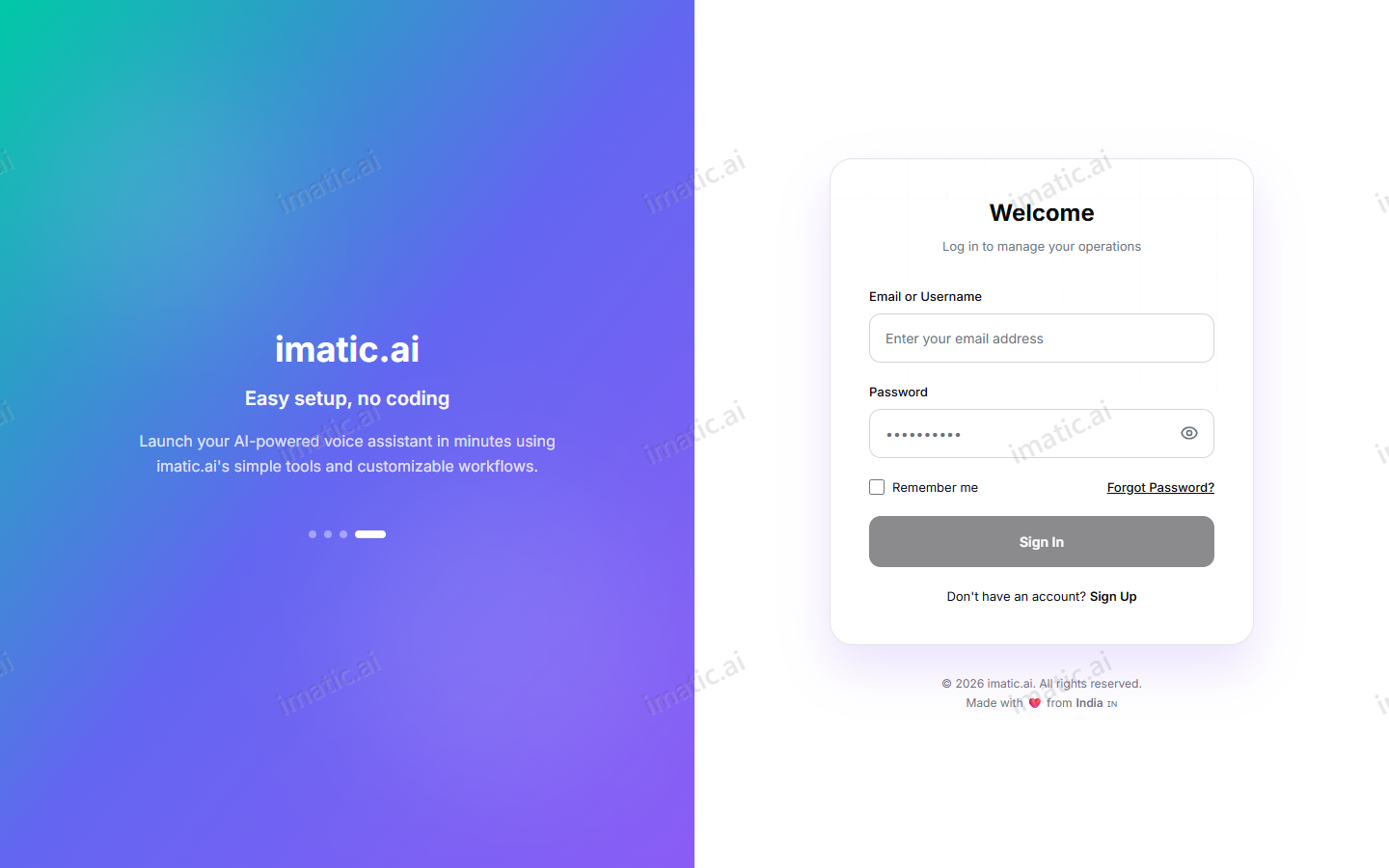
- Go to /login.
- Enter your email or username and your password.
- Sign in to reach the Dashboard.
Roles and permissions
Voice Portal has three roles. Each builds on the one below it.
| Role | Scope | What they can do |
|---|---|---|
| Organization admin | Whole organization | Own billing, team members and compliance. Create and manage all projects, agents and campaigns. |
| Project manager | Assigned projects | Manage agents, campaigns and contacts within the projects they're assigned to. |
| Member | Assigned projects | View activity and perform limited actions; cannot manage billing or team. |
Day-to-day account ownership sits with the organization admin. Platform-level operations are handled by the imatic team.
Projects
A project is a group inside your organization that bundles related agents, campaigns and contacts. Projects are how larger teams keep work separate and tidy.
Each project carries:
- its own timezone and locale, so calling times and formatting match the audience;
- its own user assignments, so people only see the projects they work on.
This is the middle layer of the Organization → Projects → Agents structure described in the overview. Create your projects before building agents so each agent, campaign and contact lands in the right place.
Use one project per team, region or product line. Setting the project timezone correctly keeps outbound campaigns dialing at appropriate local hours.