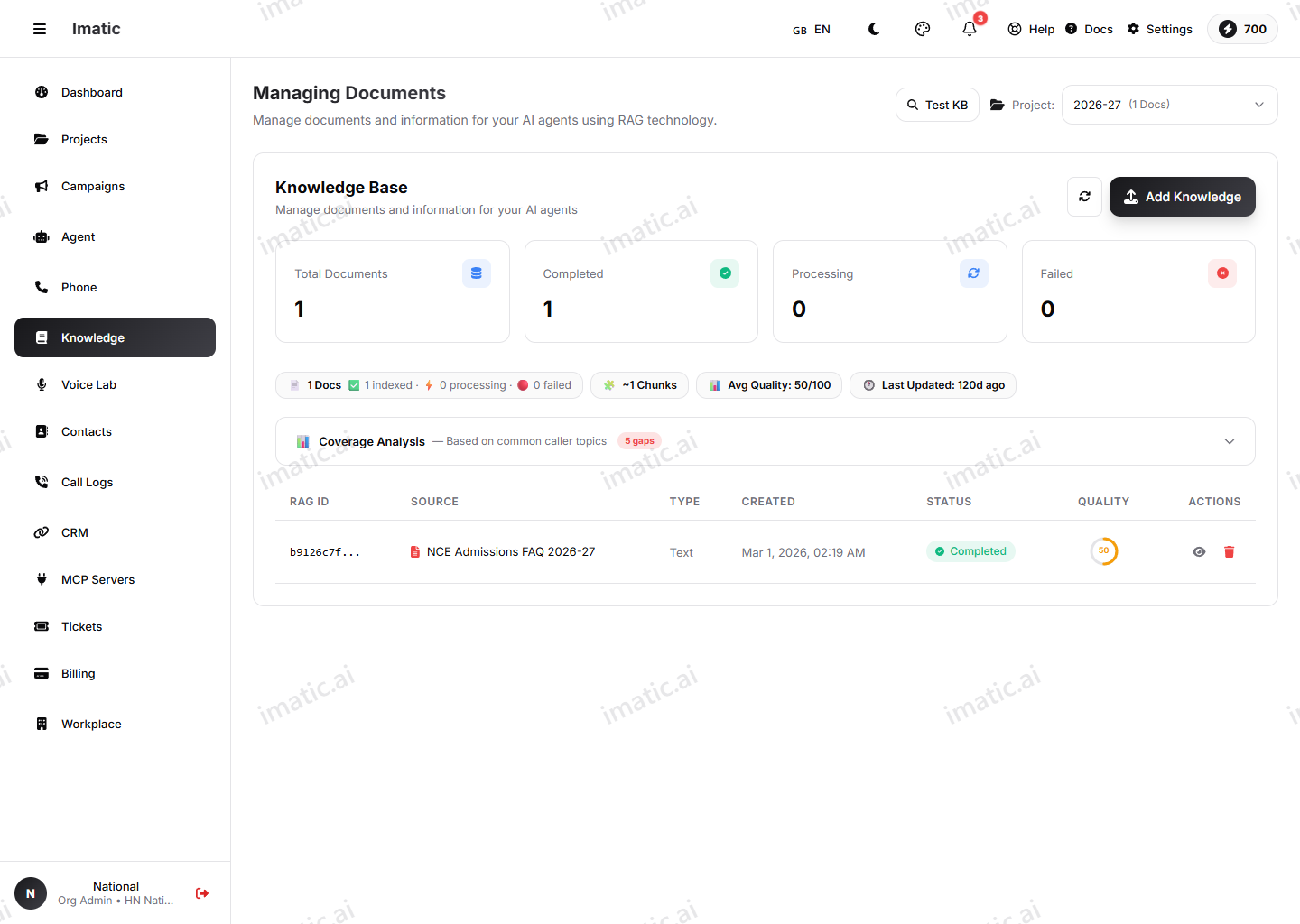
Knowledge base
A knowledge base gives your agents the facts they need to answer accurately. Upload your documents — product sheets, policies, FAQs — and your agent retrieves the most relevant passages during a call to ground its answers, instead of guessing. This is retrieval-augmented generation (RAG).
Open Knowledge (/knowledge).
How a knowledge base works
The flow from a raw document to a grounded answer has four steps:
- Upload your documents to the knowledge base.
- The Portal processes and indexes them, breaking each document into passages it can search.
- You link the knowledge base to an agent.
- On every call, the agent retrieves the passages that best match what the caller asked and answers from them.
The result is answers that reflect your own products, policies and processes — and far fewer made-up replies.
Upload documents
Add the documents you want your agents to draw on. Supported formats are PDF, DOC, DOCX and TXT (.pdf, .doc, .docx, .txt), up to 10 MB each.
- Upload one or more files.
- The content is processed and indexed so it can be retrieved during calls.
Upload focused, well-structured documents. A clear FAQ or a tidy policy doc retrieves far better than a giant, mixed PDF. Split very large or unrelated material into separate files, and give each one a descriptive name so you can tell them apart later.
Search
Use search to check what's in your knowledge base and confirm a document was indexed and is findable. Searching the way a caller might actually ask — in their words, not yours — is a quick way to sanity-check that the right passage comes back before you rely on it in a live call. If your search turns up nothing, the agent won't find it either.
Retrieval settings
Tune how retrieval behaves so your agent gets the right context — not too little, not too much:
- Similarity — how closely a passage must match the question to be used. Higher is stricter, so only strong matches come back; lower is more forgiving and surfaces more passages.
- Top-k — how many of the best-matching passages to pull in for each answer. Smaller keeps answers tight; larger gives the agent more to work with.
Raise top-k when answers are missing context; tighten similarity when the agent pulls in loosely related material. The same two controls also appear per agent on the Knowledge & RAG tab, so you can set a baseline here and adjust for a specific agent there.
Keep your knowledge base current
A knowledge base is only as good as what's in it. When a policy, price or product detail changes, update the source document so agents stop answering from stale facts. Remove documents you no longer want agents to use, and re-check with search after any change to confirm the new content is what comes back.
Link to agents
A knowledge base is only used by an agent once it's linked to one. On the agent, open the LLM (Model) tab → Add Knowledge Base section to link the knowledge base and set its retrieval behavior — there is no separate Knowledge tab; see Knowledge & RAG. After linking, the agent retrieves from your documents on every call.