Routing forms
A routing form asks a visitor a few quick questions, then sends them to the right place based on their answers — a specific event type, an external URL, or a simple message. It's the friendly bouncer for your booking page: the right people reach the right meeting, and everyone else gets a helpful next step.
Manage them under Routing forms in your dashboard.
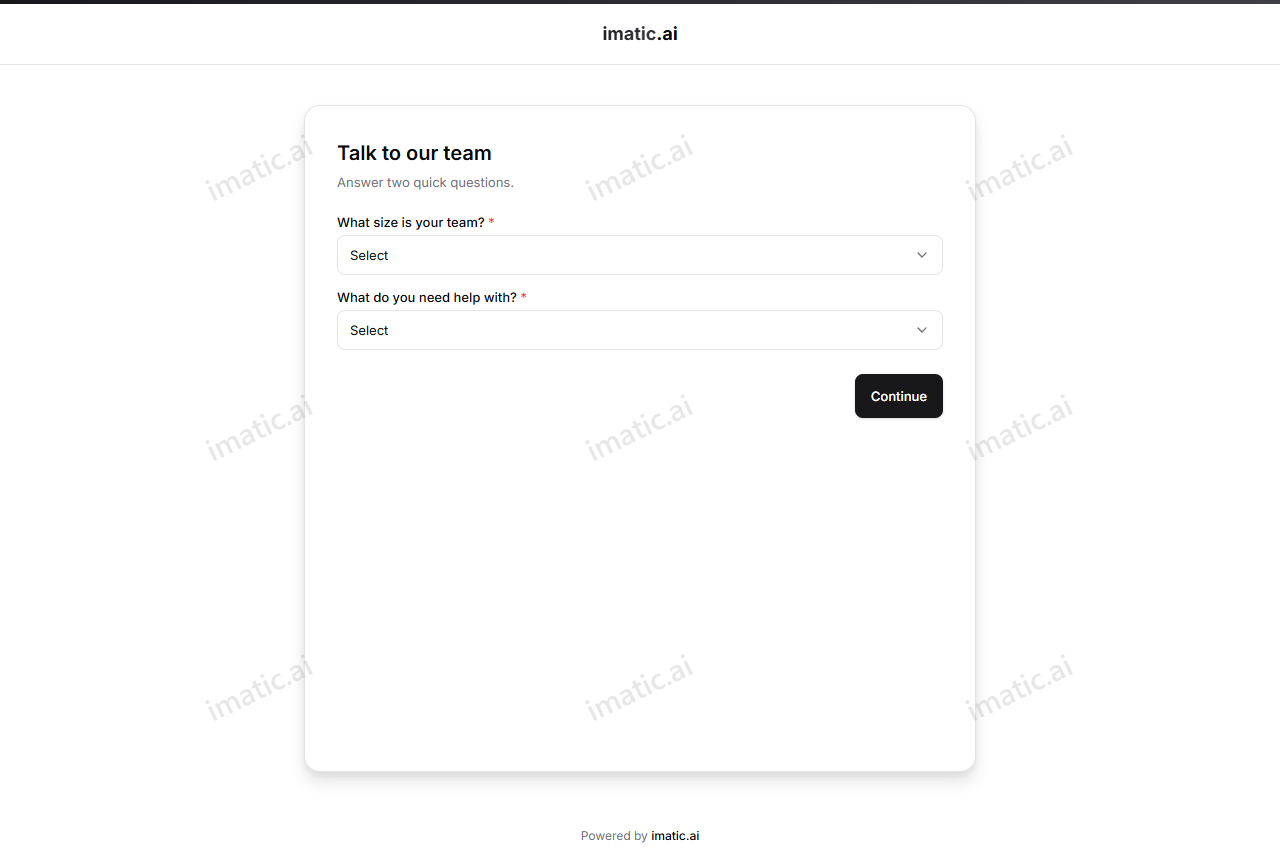
When to use one
- You offer different meetings for different needs (a free intro vs. a paid session) and want to guide people to the right one.
- You want to qualify visitors before they book — for example, send small-team enquiries to a self-serve link and larger ones to a call.
- You want to politely redirect people who aren't a fit, without them booking the wrong slot.
Build a routing form
- Open Routing forms and create a new form.
- Add the questions you want to ask (for example, "What are you looking for?" or "How big is your team?").
- For each answer or combination, set the route — where that visitor goes next.
- Save and share the form's public link.
Where a form can route
Based on the answers, a routing form can send a visitor to:
- An event type — drop them straight onto the right booking page to pick a time.
- A URL — send them to any external page (a pricing page, a different signup, a help article).
- A message — show a custom message instead of routing anywhere (handy for "we're not the right fit, but here's what to try").
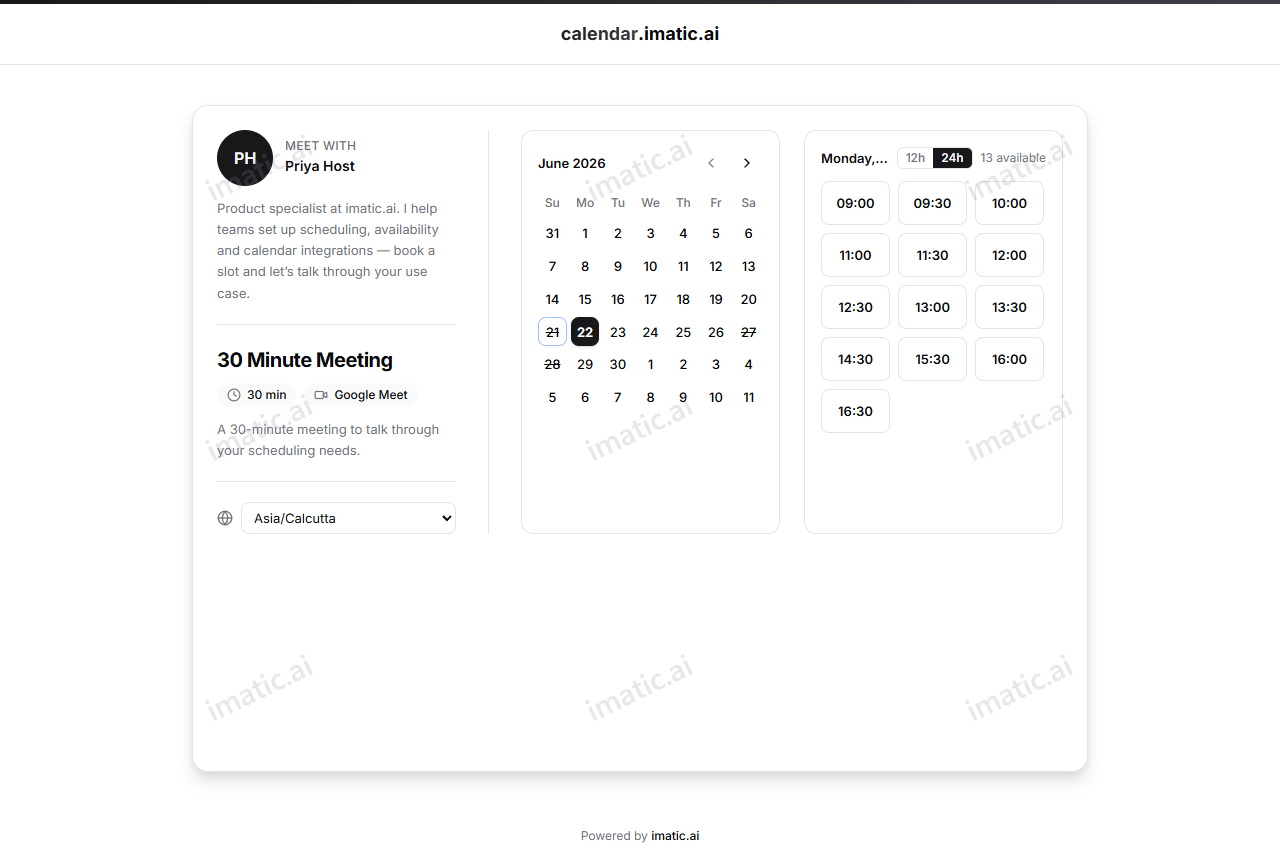
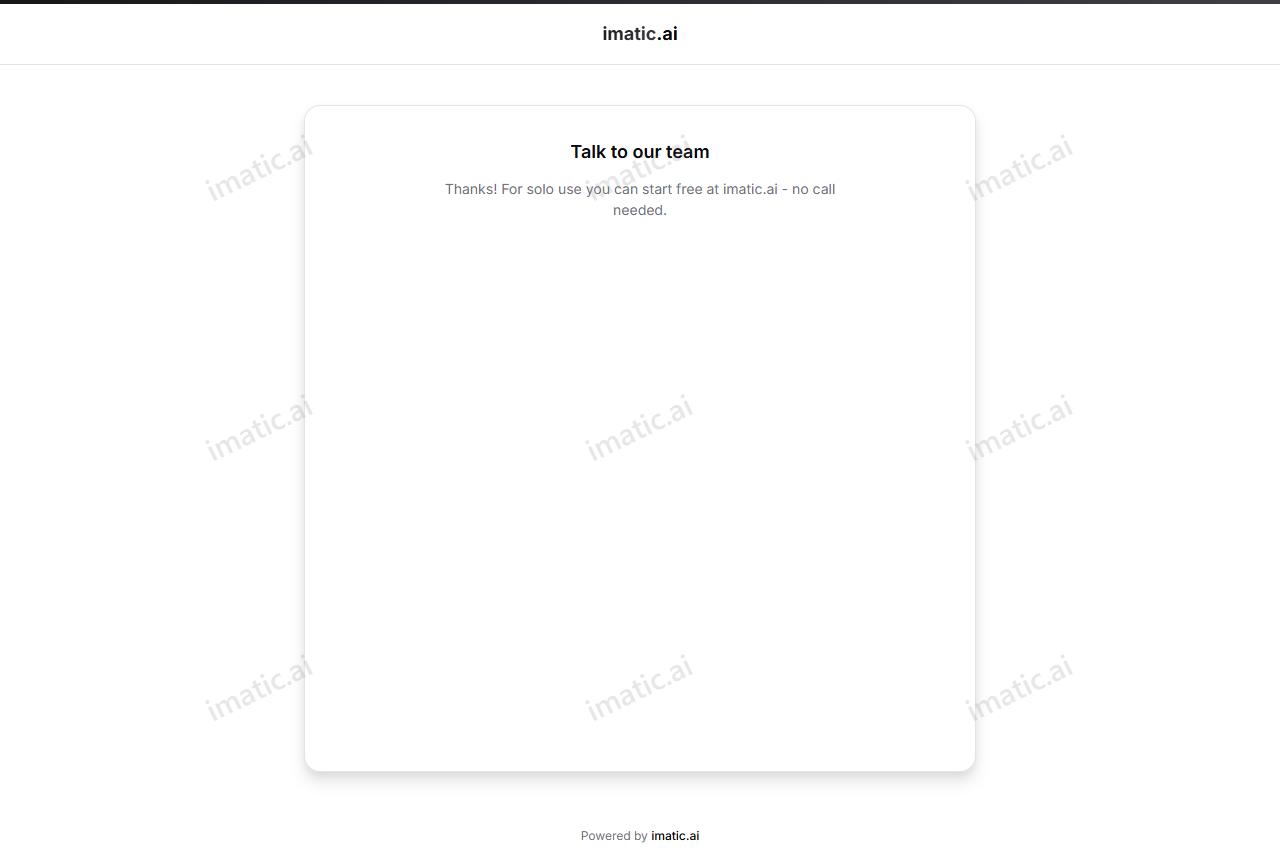
Route ready-to-book visitors to an event type so they can grab a slot immediately. Route not-yet-ready visitors to a URL or message so nobody books a meeting that won't go anywhere.
Share the form
Each routing form has its own public link (calendar.imatic.ai/forms/your-form). Share it like any other link, or use it as the front door on your website so visitors are qualified before they reach a booking page.