Calendar overview
imatic Calendar lets you share a simple link, let people pick a time that works for both of you, and keep every appointment in one place. It is built for solo professionals — coaches, consultants, freelancers, and anyone who books meetings — so you can stop trading "does Tuesday work?" emails.
You set your hours once, create the kinds of meetings you offer, and share a link. Invitees see only the times you are actually free, pick a slot, and you are both booked. No double-bookings, no back-and-forth.
What you can do
- Create event types — define each kind of meeting you offer (a 30-minute intro call, a 60-minute session) with its own duration, questions, and link. See Event types.
- Set your availability — choose your weekly hours, your timezone, and one-off date overrides for holidays or busy days. See Availability.
- Share a booking page — invitees pick a slot on your public page and book themselves in. See Your public booking page.
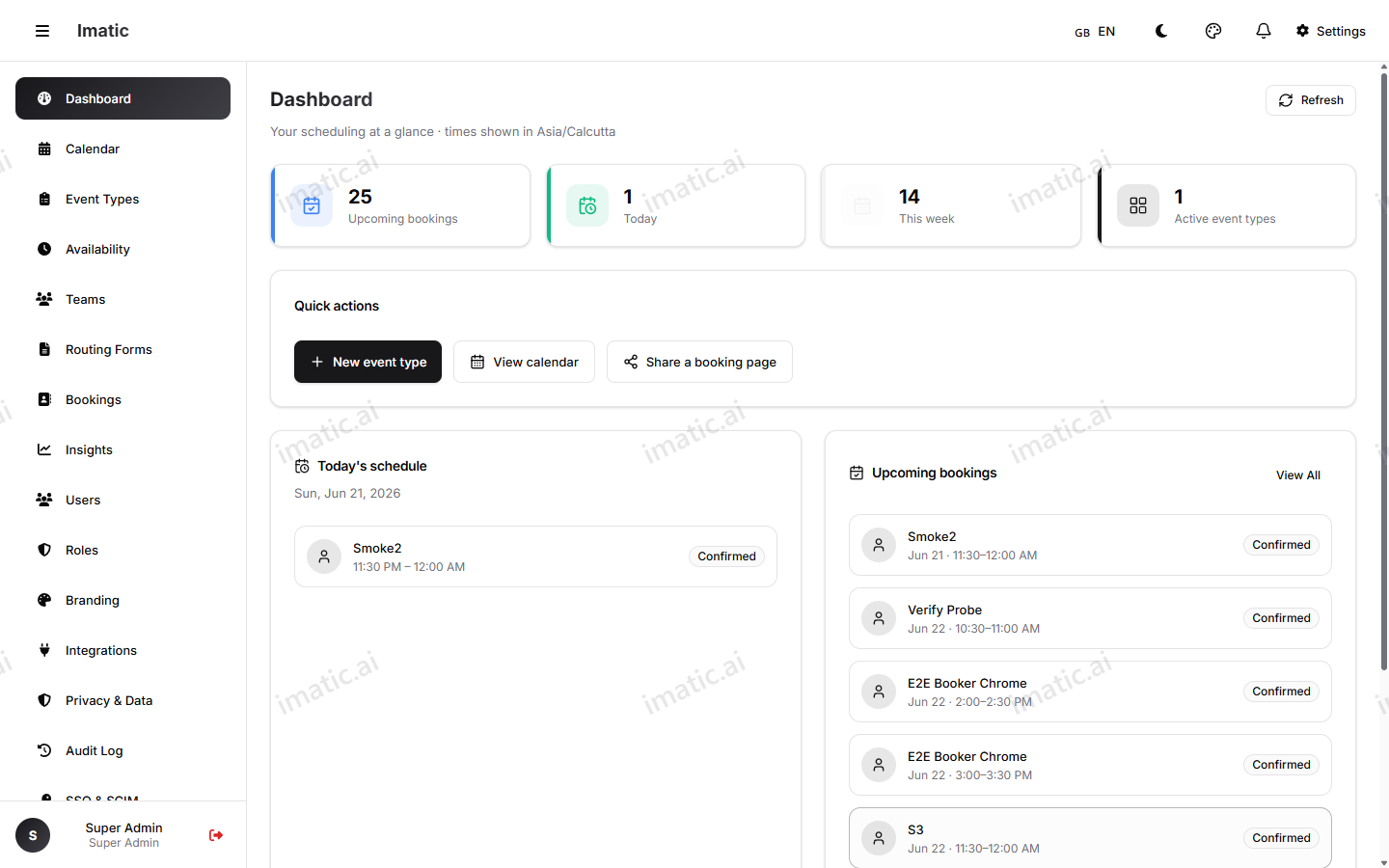
- Manage bookings — browse, search, reschedule, or cancel appointments from your dashboard. See Bookings.
- See your schedule — view everything in month, week, day, or agenda views. See Calendar view.
- Embed and share — drop your booking page into your website or share a link anywhere. See Embeds & sharing.
- Qualify visitors — route people to the right meeting with a short form. See Routing forms.
- Automate — connect your own tools with the REST API, webhooks, and MCP server. See Developers.
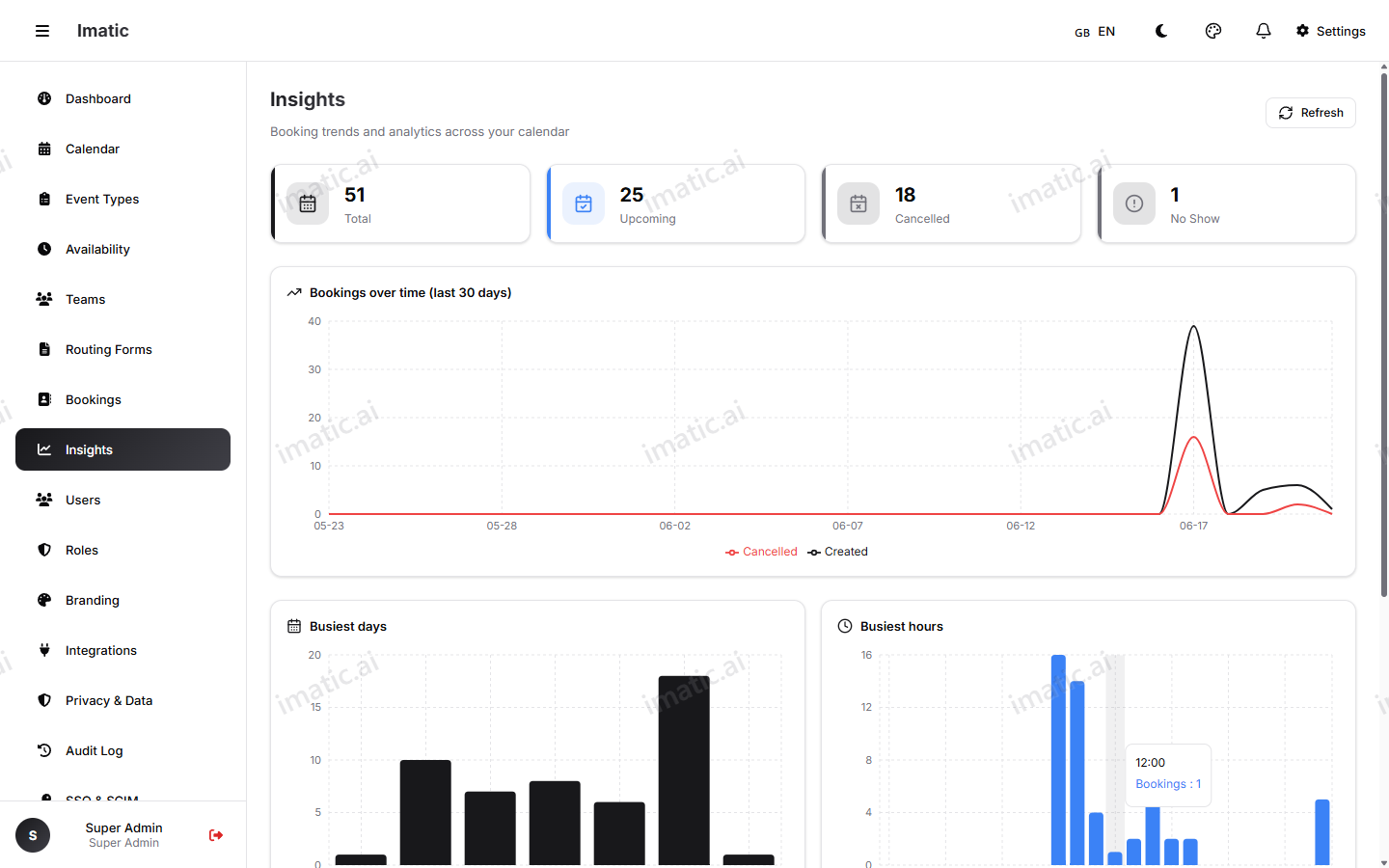
See how you're doing
Beyond the day-to-day, the Insights view turns your bookings into numbers you can act on — how many meetings you're getting, which event types are most popular, and how the trend is moving over time.
How it fits together
Think of it in three layers:
- Availability is the foundation — when you are open to meet.
- Event types sit on top — the specific meetings people can book within that availability.
- Your booking page is what the world sees — a link per event type that respects both.
Once those are set, sharing is the easy part. Everything an invitee books lands in your Bookings list and on your Calendar view.
Start with Sign up & connect to create your account and claim your handle, then build your first event type.